


Watch TV Direct works on the devices most homes already have: smart TVs, Firestick and Android TV boxes, iPhones and Android phones, tablets and computers. You install a player app, log in with the details we send you on WhatsApp, and start watching.
Plans cover 1, 2 or 3 devices at the same time, and you can move your login between devices whenever you like.
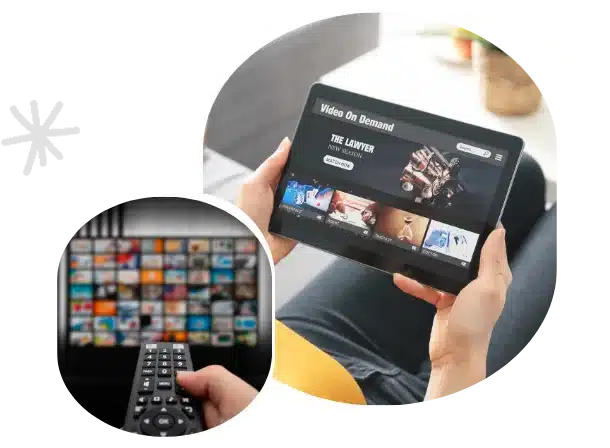
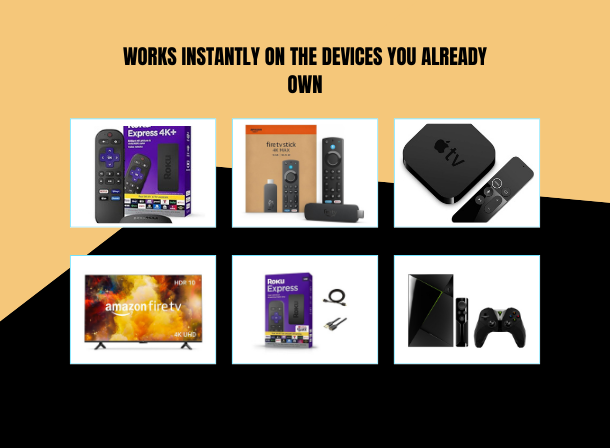
App availability changes from time to time, so our team tells you the best option for your exact model when we send your login. Our TiviMate vs IPTV Smarters comparison explains the difference between the two most popular.
If you're not sure what each login field means, our Xtream Codes guide explains all three.
Some of Amazon's newest budget sticks run Vega OS, which can't install apps from outside the Amazon Appstore. That includes the Fire TV Stick 4K Select and the 2026 Fire TV Stick HD. You can check under Settings, My Fire TV, About. Our Firestick guide covers what to do if your stick is affected.
You can install the app on as many devices as you like. Your plan only limits how many play at the same time: 1, 2 or 3. For a family that watches on the TV and a phone at once, choose 2 devices.
It works on Samsung, LG and Android-based smart TVs through a player app from the TV's app store. For older TVs, a Firestick or Android TV box is the simplest option. See our smart TV guide for each brand.
Usually not. Any recent smart TV, phone, tablet or computer works. You only need a streaming stick if your TV is too old for current apps.
Yes. Install the app on both. With a 1-device plan, one plays at a time. With a 2 or 3-device plan, they can play together.
Choose a plan for 1, 2 or 3 devices, or browse the channel list first.
© 2026 Watch TV Direct, Inc. All rights reserved.